
Secrets
Stored as Podman secrets owned by the application's own user and handed to the container at start. Values are never shown again in the panel.
Features
Everything you need to run real applications on your own server, from the first deploy to the backup you hope you never need.
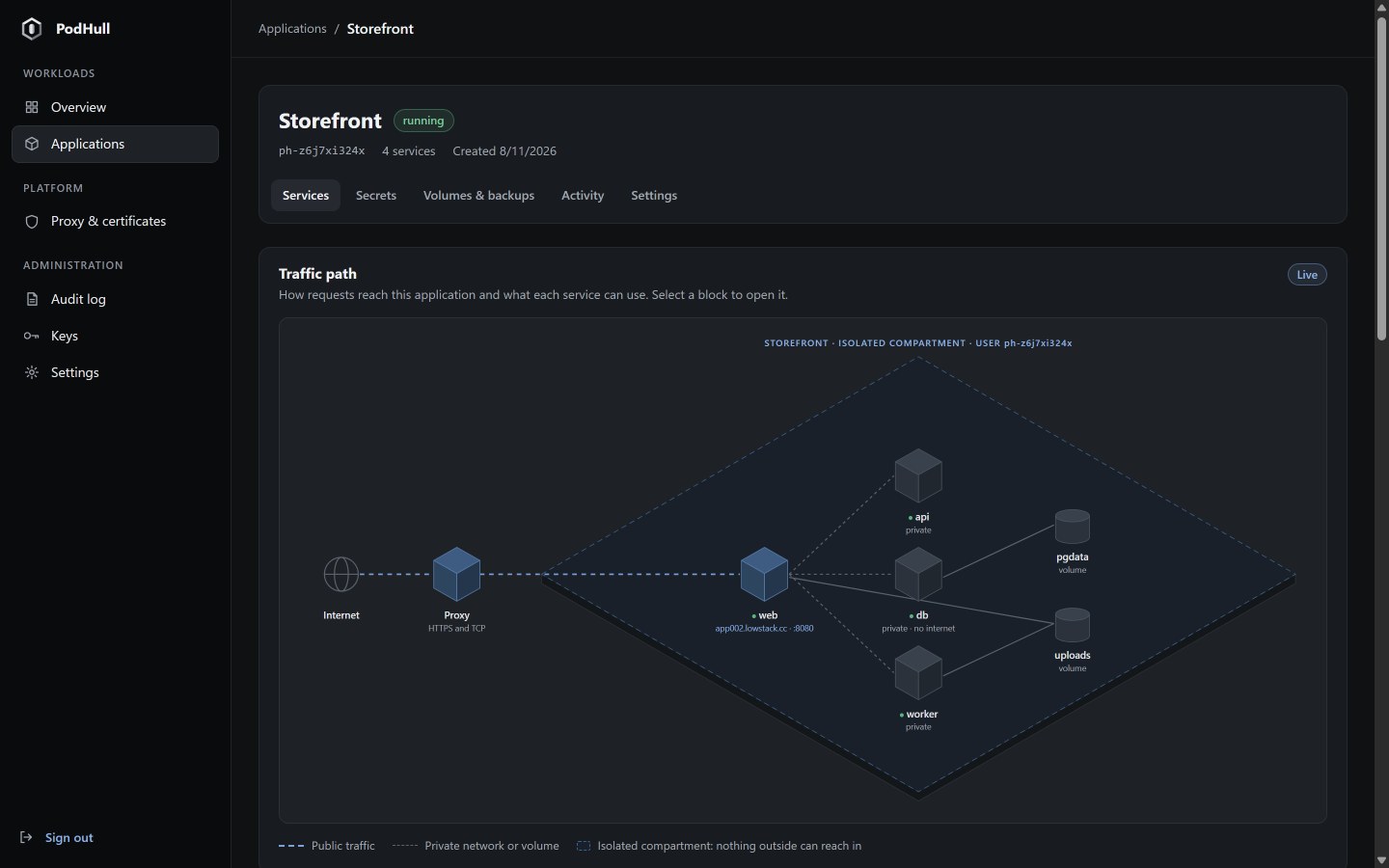
Traffic path
Each application page opens with a live diagram drawn from the units that actually run: which service is public and under which domain, which ones stay private, which have no internet at all, and which volumes they share.
Deploys
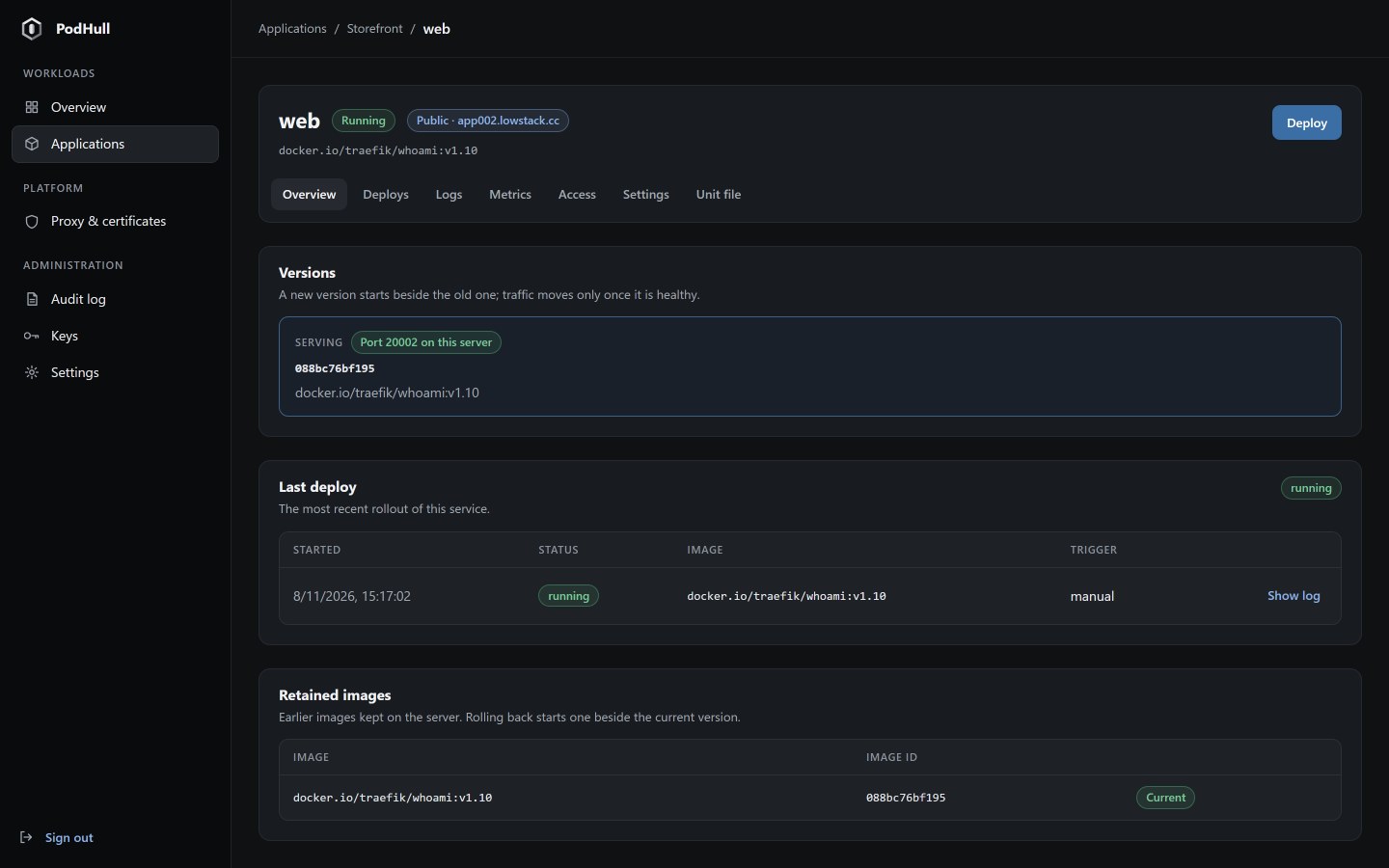
A new version starts beside the one that serves traffic. The proxy moves to it only once its health check passes; if it fails, nothing changes for your visitors. Earlier images stay on the server, so a rollback starts one beside the current version too.
Git builds
Point a service at a Git repository and a branch. PodHull fetches it, builds the image from your Containerfile with Podman and rolls it out. Webhooks are verified with each forge's own signature scheme, and a replayed delivery is refused.
POST /hooks/shop/web/…
X-GitHub-Event: push
X-Hub-Signature-256: sha256=9f2c…e41a
X-GitHub-Delivery: 4d7e…b210

fetching https://git.example.com/shop.git main
building Containerfile
deploy succeeded
Proxy and certificates
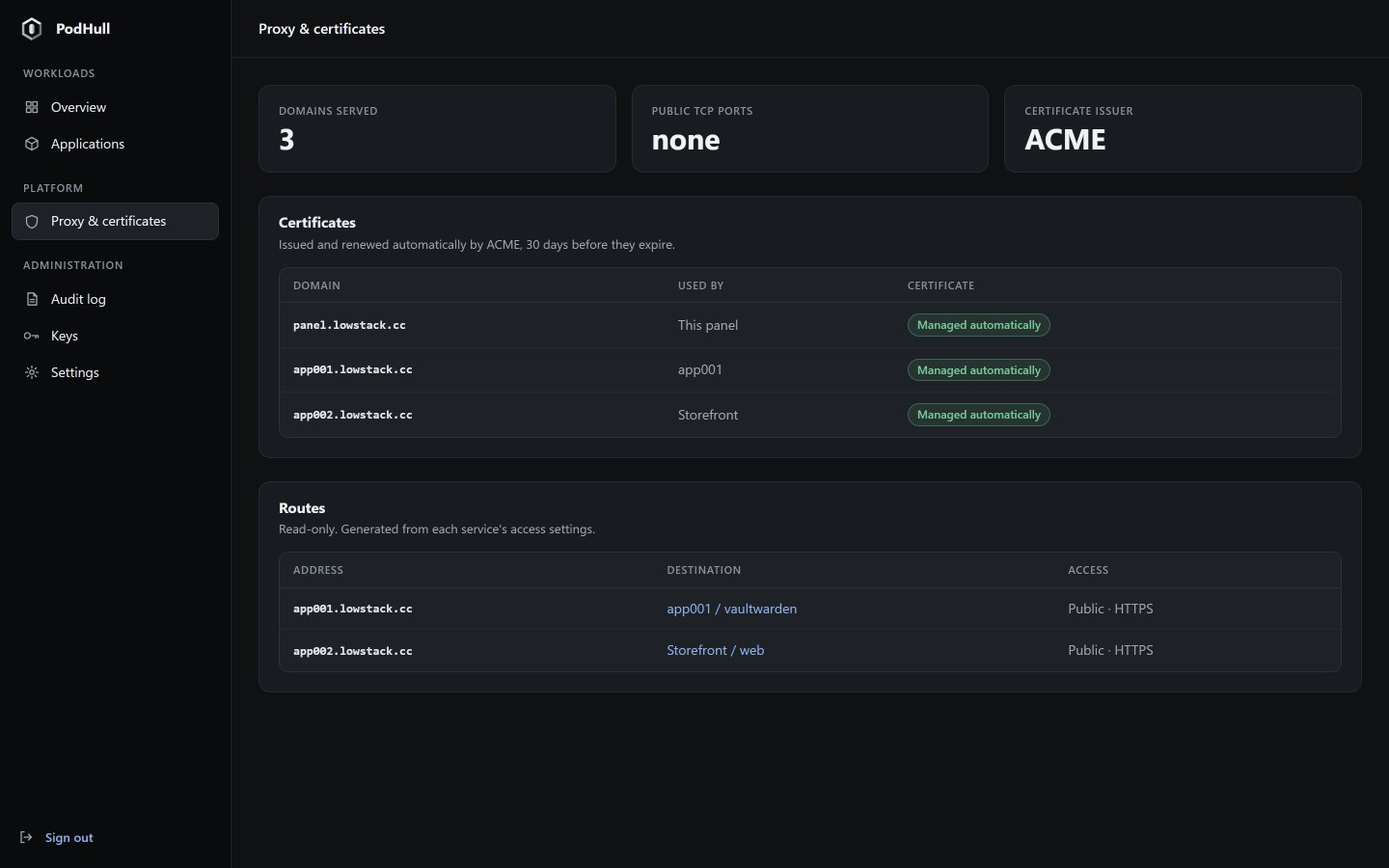
The PodHull proxy listens on ports 80 and 443 through systemd sockets, obtains certificates through ACME and renews them well before they expire. Routes are generated from each service's access settings, never edited by hand.
Volumes and backups
Named volumes belong to their application and can be shared between its services. Back them up on demand or on a schedule driven by systemd timers, keep as many copies as you choose, then download or restore any of them.
And more
Stored as Podman secrets owned by the application's own user and handed to the container at start. Values are never shown again in the panel.
Service logs straight from the journal, CPU and memory metrics, and a live event stream for every application.
Every change is recorded with who made it and from where, in a hash chain that shows any later edit to the file.
See the exact Quadlet unit of every service. Advanced users can edit it; each change is validated and kept as a revision you can restore.
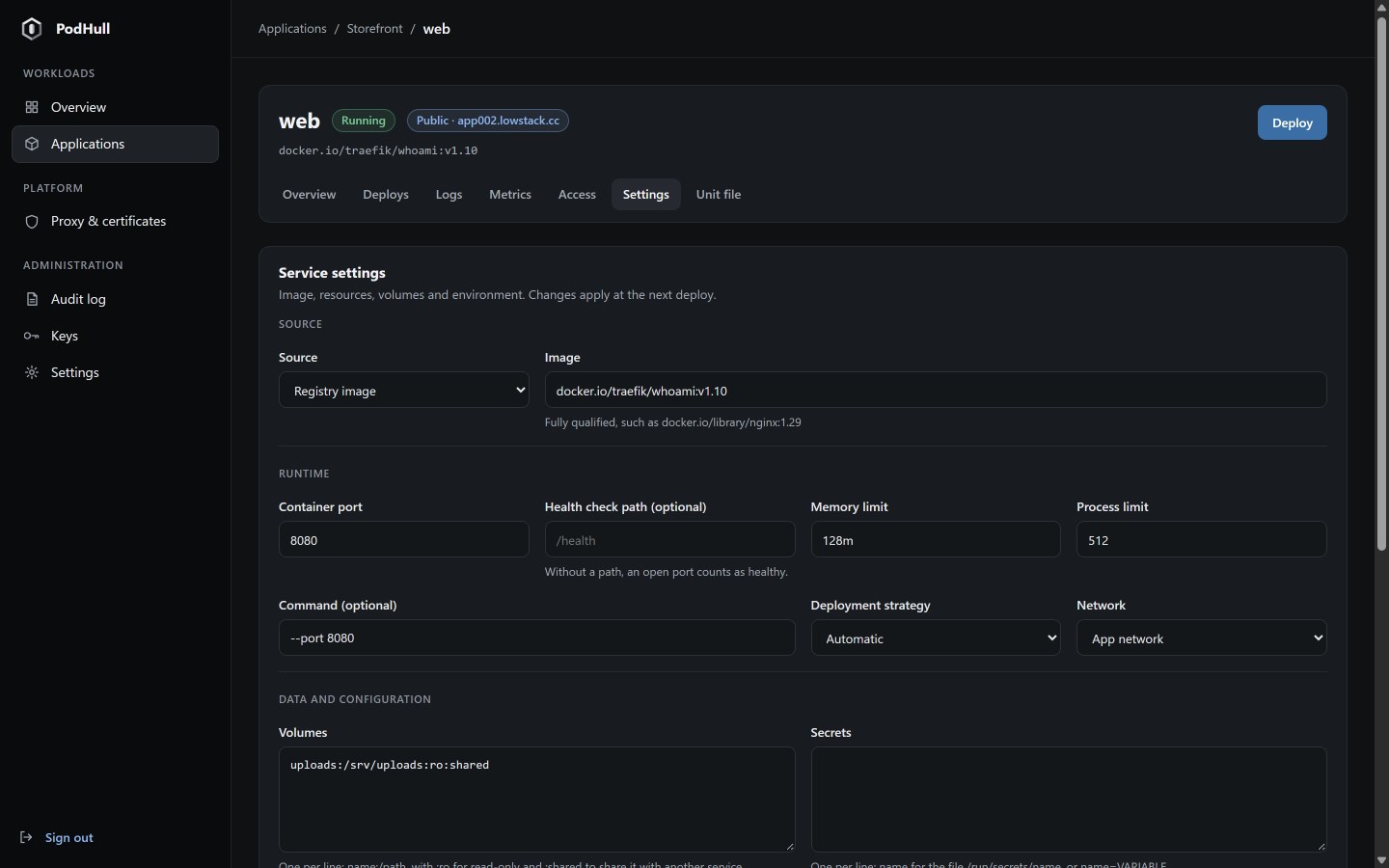
Memory and process limits per service, read-only root filesystems and dropped capabilities as the default.
Everything the panel does goes through a documented JSON API under /api/v1, with the same checks and the same audit trail.